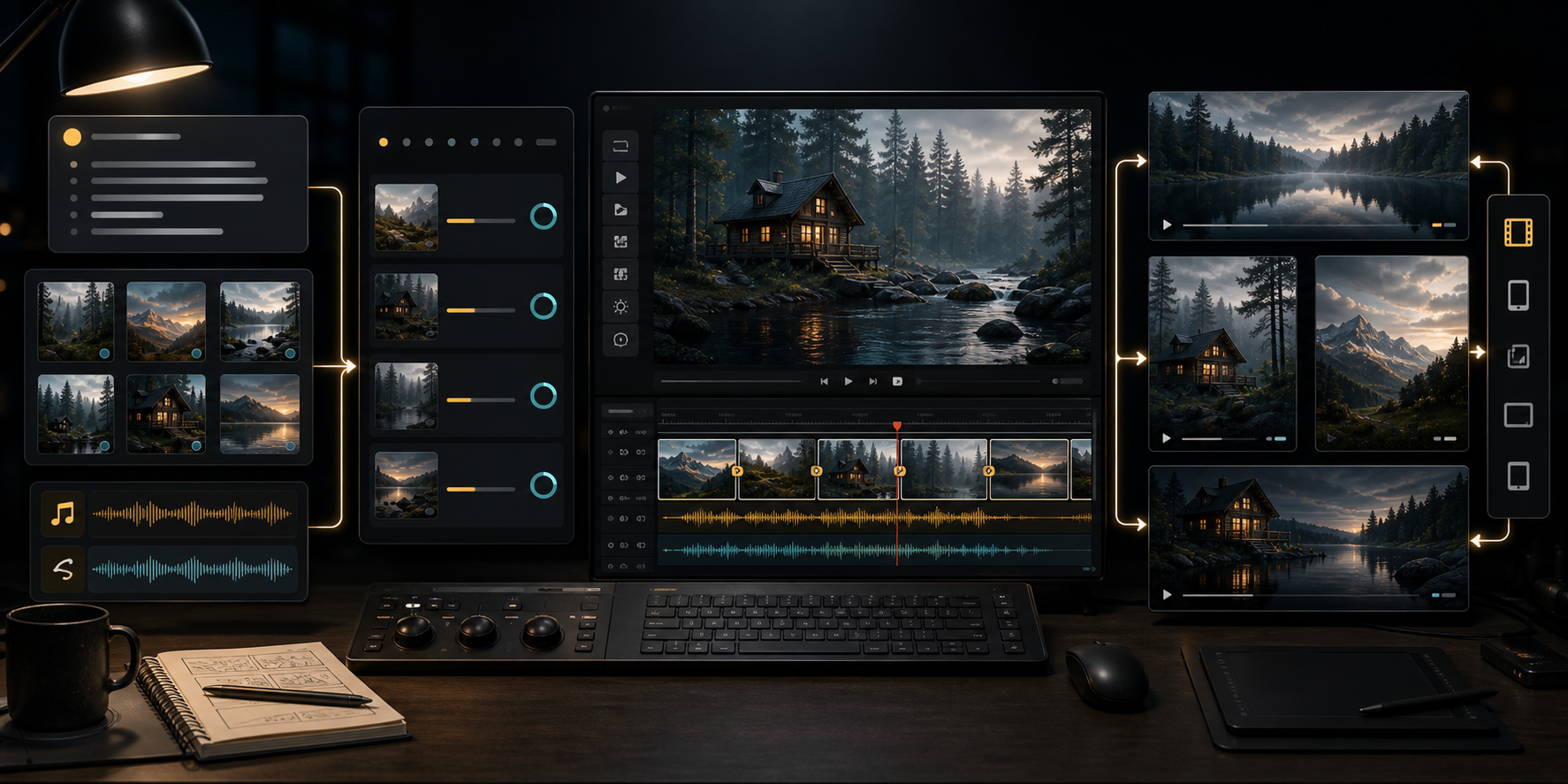
If you are searching for what is Seedance 2.0, the short answer is this:
Seedance 2.0 is ByteDance's multimodal AI video generation model for creating, editing, extending, and controlling short audio-video clips from text, image, video, and audio references.
That sounds simple until you compare it with normal text-to-video tools.
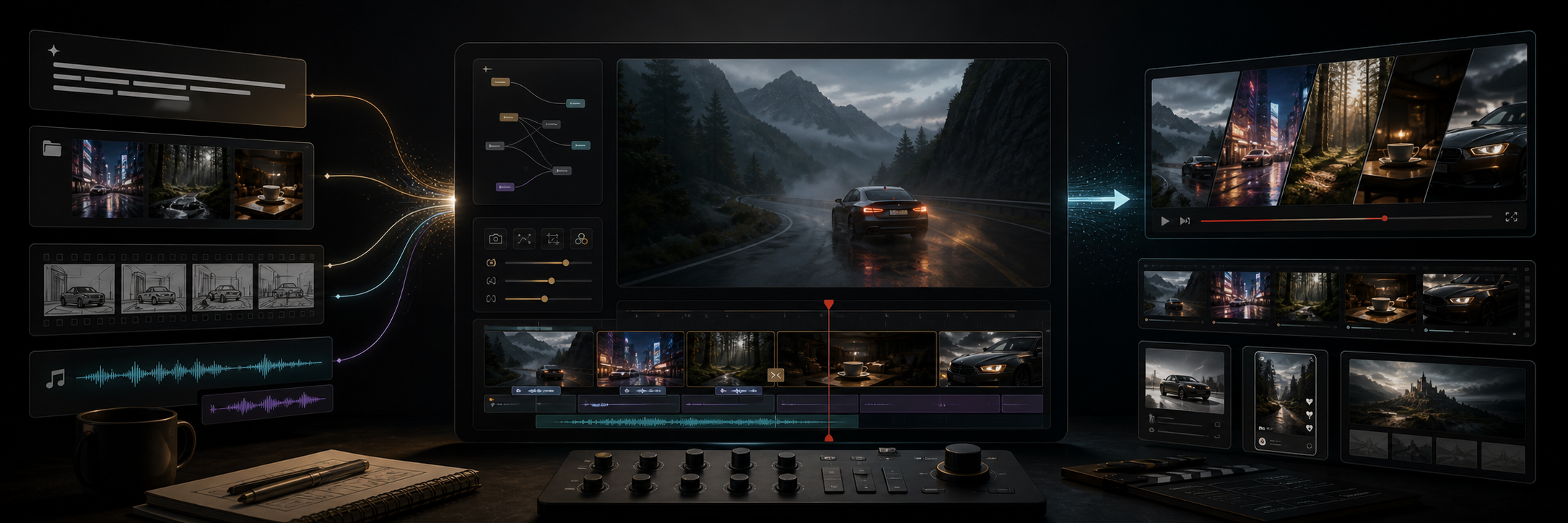
Most AI video generators start from a prompt and try to make a clip. Seedance 2.0 is more ambitious. It was built around a unified multimodal audio-video generation architecture, which means the model is designed to work with mixed inputs: natural language, images, video clips, and audio clips. The goal is not only to generate a moving picture. The goal is to let a creator direct a short audiovisual scene with references, camera logic, motion, sound, edits, and continuation.
ByteDance Seed officially launched Seedance 2.0 on February 12, 2026. As of August 25, 2026, it is no longer the newest Seedance model. Seedance 2.5 was announced on July 31, 2026. That matters because some readers now see both names in the same search results.
So the useful question is not only "what is Seedance 2.0?"
The useful question is:
What role does Seedance 2.0 still play in the AI video workflow now that Seedance 2.5 also exists?
This guide explains Seedance 2.0 from a practical angle: what it does, how it works, what the model tiers mean, where the API fits, what it costs, who should use it, and where you still need human review.
Quick Answer
Seedance 2.0 is best understood as a production-oriented AI video model family from ByteDance. It supports text-to-video, image-to-video, multimodal references, video editing, video extension, generated audio, and asynchronous API workflows through BytePlus ModelArk.
Use Seedance 2.0 when you need:
- Short AI-generated video clips
- Text-to-video generation
- First-frame or first-and-last-frame image-to-video
- Video creation from multiple reference assets
- Audio-visual generation rather than silent video only
- Camera movement and motion control
- Editing or extending an existing generated clip
- A documented API workflow for production systems
- 1080p or 4K output through the full Seedance 2.0 model where available
Use Seedance 2.0 Fast or Mini when you need cheaper or faster drafts at 480p or 720p.
Consider Seedance 2.5 when your workflow needs longer single-pass clips, more reference assets, or newer editing capabilities. ByteDance's own Seedance 2.5 launch post says 2.5 can generate up to 30-second clips and supports larger reference sets, while API access was described as coming soon through BytePlus ModelArk at launch.
That makes Seedance 2.0 the more concrete choice for many API users today, especially if your priority is a documented production path rather than the newest headline feature.
Seedance 2.0 In One Sentence
Seedance 2.0 is an AI video model that turns instructions and references into short MP4 videos with optional audio, usually in the 4-to-15-second range depending on model tier, resolution, and product surface.
The model is not just "text prompt in, video out."
It can use:
- Text prompts
- Reference images
- Reference videos
- Audio references
- Combined image, video, and audio references
- First-frame image-to-video
- First-and-last-frame image-to-video
- Prompt-based editing
- Video extension
That reference system is the reason Seedance 2.0 matters.
Pure text-to-video is fun, but it is hard to control. A prompt can describe a product, a person, a scene, a camera move, and a mood, but the model still has to invent too much. Reference-based generation gives the model material to follow. A product photo can define the object. A storyboard can define the shots. A video clip can define motion. An audio file can define rhythm or sound character.
Seedance 2.0 tries to bring those into one creative system.
Who Made Seedance 2.0?
Seedance 2.0 comes from ByteDance's Seed team.
ByteDance is the company behind products such as TikTok, Douyin, CapCut, and related creative tools. The Seed team is ByteDance's AI research and model organization. Internationally, developers often encounter Seedance through BytePlus, ByteDance's enterprise technology platform, especially through BytePlus ModelArk.
This naming can be confusing.
You may see:
- Seedance 2.0
- Dreamina Seedance 2.0
- Doubao Seedance 2.0
- ByteDance Seedance
- BytePlus ModelArk Seedance
- Seedance 2.0 Fast
- Seedance 2.0 Mini
These names are not always interchangeable. They can refer to different product surfaces, regions, wrappers, or model IDs.
For international API work, the important BytePlus model IDs include:
| Model name | BytePlus-style model ID | Practical role |
|---|---|---|
| Dreamina Seedance 2.0 | dreamina-seedance-2-0-260128 | Full Seedance 2.0 model, higher resolution ceiling |
| Dreamina Seedance 2.0 Fast | dreamina-seedance-2-0-fast-260128 | Faster/cost-conscious 2.0 variant |
| Dreamina Seedance 2.0 Mini | dreamina-seedance-2-0-mini-260615 | Lower-cost 2.0 variant for 480p/720p workflows |
Do not guess model IDs from marketing names. Put the exact provider, region, surface, model ID, and date into your integration notes.
That is boring.
It also prevents expensive mistakes.
What Makes Seedance 2.0 Different?
The core idea is multimodal control.
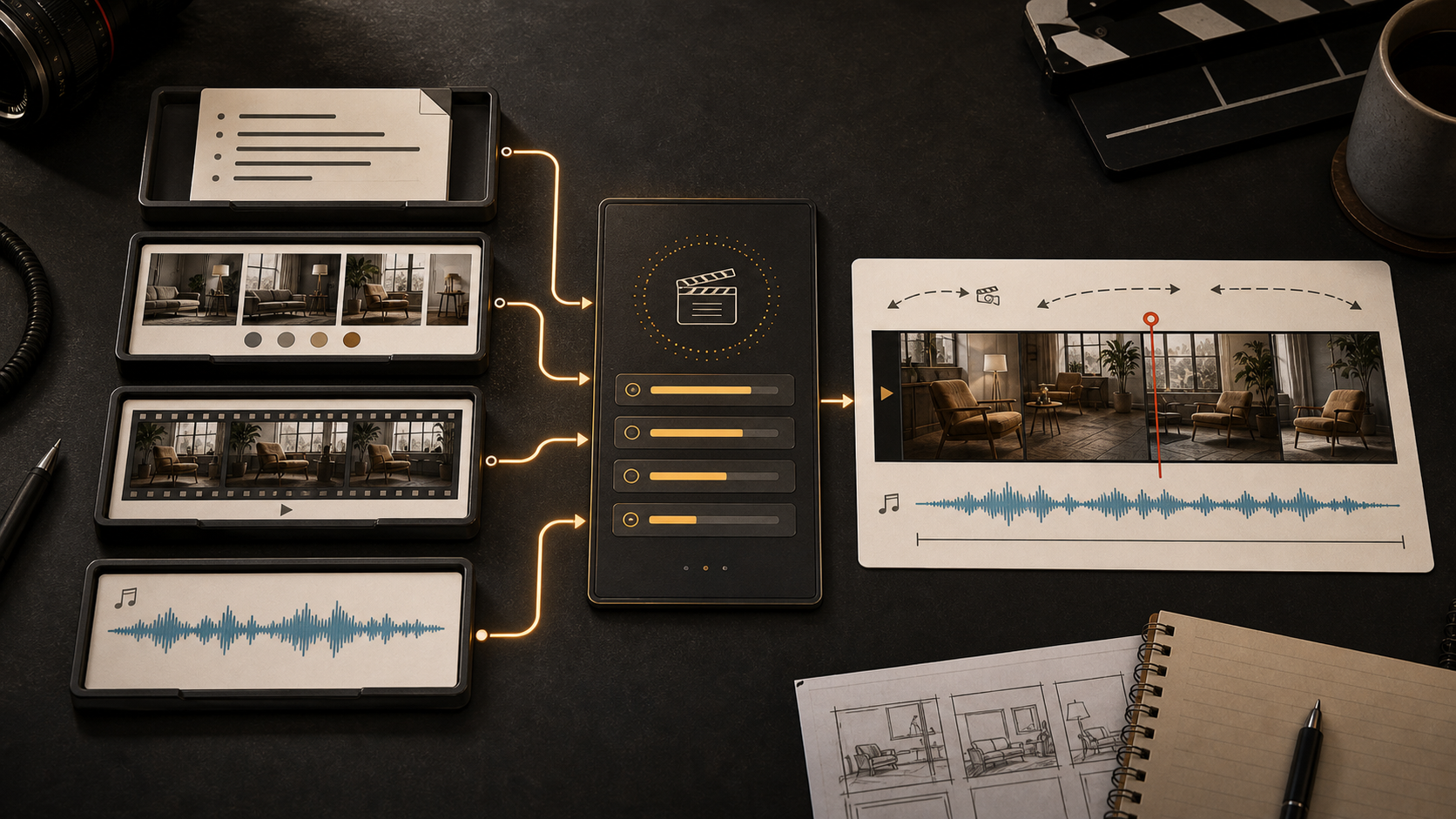
ByteDance's launch post says Seedance 2.0 supports four input modalities: text, image, audio, and video. It also says the model can use up to 9 images, 3 video clips, and 3 audio clips alongside natural language instructions.
That is a different product shape from a simple prompt box.
In a normal prompt-only tool, you write something like:
A cinematic product commercial for a running shoe on a wet city street.
With a multimodal workflow, you can do something closer to a real brief:
- Use this shoe image as the product reference.
- Use this moodboard image for lighting.
- Use this short video for camera motion.
- Use this audio clip for rhythm.
- Generate a 9:16 vertical ad.
- Keep the product shape consistent.
- Add rain, reflections, and a final hero shot.
That is the gap Seedance 2.0 is trying to close.
It is not only generating video.
It is translating a creative brief into a short audiovisual output.
Main Seedance 2.0 Capabilities
Text-to-video
Text-to-video is the basic mode. You describe the scene, motion, camera movement, style, lighting, and duration. The model generates a video from the prompt.
This is useful for:
- Concept clips
- Social videos
- Mood scenes
- Short cinematic tests
- Explainer visuals
- Ad drafts
The trap is asking for too much in one prompt. AI video models still struggle when a scene requires many subjects, exact choreography, long continuity, precise text, or complex physical interaction. Seedance 2.0 is stronger than older video models, but it still benefits from clear shot language and constrained scenes.
Image-to-video
Image-to-video is often more useful than text-to-video.
You give the model a starting image, then describe the motion. This helps when you care about a product, character, composition, or environment.
Use image-to-video for:
- Product shots
- Character animations
- Fashion visuals
- Food videos
- Real estate scenes
- App or game concept trailers
- Social clips based on a designed first frame
Seedance 2.0 also supports first-and-last-frame workflows in documented ModelArk surfaces. That is important because the model can use a start point and an end point rather than inventing the entire transition from scratch.
Multimodal references
This is the feature that makes Seedance 2.0 feel like a production model instead of a novelty generator.
The model can use images, videos, and audio as references. ByteDance's launch material describes references for composition, motion, camera language, visual effects, audio, and other elements.
For a marketer, that means you can give the model a product image, a campaign moodboard, and a motion reference.
For a filmmaker, it means you can give it a storyboard, a character reference, and a camera reference.
For a developer, it means the product interface can move beyond one empty prompt field.
Audio-video generation
Seedance 2.0 is designed for audio-visual output, not only silent clips.
ByteDance's launch post says the model supports 15-second high-quality multi-shot audio-video output and two-channel audio. It also describes synchronized sound effects, background music, character voiceovers, ambient sound, and sound aligned with visual rhythm.
That does not mean every product surface exposes every audio feature in the same way.
It does mean audio should be part of your evaluation if you are using Seedance for ads, stories, short films, ASMR, music scenes, product demos, or social content.
Video editing
Seedance 2.0 supports prompt-driven editing in documented workflows. Instead of regenerating a whole scene, users can ask the system to modify a specified clip, character, action, storyline, or camera treatment.
That is useful because video generation is expensive to redo blindly.
If a product shot is almost right but the camera move is wrong, an edit workflow is more valuable than another full random generation.
Video extension
Seedance 2.0 can also extend video. The model can continue a generated clip based on a prompt while trying to preserve subject, environment, style, and narrative flow.
This is not magic continuity. You still need to review the result.
But it changes the workflow. Instead of treating every clip as a disconnected attempt, you can build a sequence.
Seedance 2.0 Model Tiers
Seedance 2.0 is not a single button. It appears as a small family of model tiers.
| Tier | Best use | Main tradeoff |
|---|---|---|
| Seedance 2.0 | Higher-quality outputs, 1080p/4K where supported, more serious production | More expensive than Mini/Fast |
| Seedance 2.0 Fast | Faster iteration when 480p/720p is enough | Lower resolution ceiling than the full model |
| Seedance 2.0 Mini | Cost-sensitive drafts and high-volume exploration | 480p/720p only in current BytePlus-style docs |
The simplest rule:
Use Mini for cheap drafts.
Use Fast when latency matters and the surface exposes it.
Use Seedance 2.0 full when the final output needs higher resolution or more production confidence.
Do not promise 1080p or 4K if your routing might land on Fast or Mini. Current BytePlus documentation lists 480p and 720p for Fast and Mini, while the full Seedance 2.0 model is the one with 480p, 720p, 1080p, and 4K support in the enhanced video generation table.
This is where many AI tools get sloppy.
They let users pick a model nickname without explaining what resolution that model can actually output.
That creates support tickets later.
How The API Workflow Works
Seedance 2.0 is usually handled as an asynchronous video generation task.
That makes sense. Video generation takes longer than a text response or a small image request. A production system should create a task, store the task ID, poll or receive callbacks, retrieve the final video URL, and log usage.
A typical backend workflow looks like this:
- The user submits a prompt and reference assets.
- Your app uploads or passes asset URLs.
- Your backend creates a Seedance video generation task.
- The API returns a task ID.
- Your system checks task status: queued, running, succeeded, failed, expired, or cancelled.
- When the task succeeds, your system retrieves the video URL.
- You store the final file if the user needs durable access.
- You log model ID, duration, resolution, ratio, seed, audio setting, watermark setting, usage, and cost.
This workflow matters more than the demo.
If you are building an AI video feature into a SaaS product, the boring parts decide whether the product feels professional: queue handling, retries, progress UI, error messages, storage, billing, moderation, and review.
Seedance 2.0 is interesting for developers because there is a documented ModelArk-style task flow. That gives you something concrete to build around.
Seedance 2.0 Specs To Check Before You Build
The exact limits can vary by provider surface, region, and model tier, but current BytePlus-style documentation points to this general shape:
| Item | Practical Seedance 2.0 guidance |
|---|---|
| Output format | MP4 |
| Frame rate | 24 fps in current ModelArk tables |
| Duration | 4 to 15 seconds for Seedance 2.0 series models |
| Full model resolution | 480p, 720p, 1080p, and 4K where supported |
| Fast/Mini resolution | 480p and 720p in current BytePlus-style docs |
| Inputs | Text, image, video, and audio references depending on mode |
| API pattern | Asynchronous task creation and status query |
| Watermark | Configurable in documented API examples |
Treat this table as an implementation checklist, not a permanent contract.
Before launch, check the live docs for:
- Your exact model ID
- Your account region
- Whether the model is enabled
- Whether 4K is available in your surface
- Whether audio generation is enabled
- Whether references are supported in your mode
- Whether watermark removal is allowed
- How long generated URLs remain available
- Pricing for your resolution and input type
AI video products fail when teams treat launch blog posts as production specs.
Use the launch post to understand the model.
Use the live API docs to ship it.
Pricing: The Part You Should Not Hand-Wave
Seedance 2.0 pricing depends on model tier, resolution, whether video input is included, and whether you use resource packs or pay-as-you-go billing.
Current BytePlus pricing pages list online inference rates per million tokens and example per-video costs. The broad pattern is:
- Full Seedance 2.0 costs more but supports higher resolution.
- Fast is cheaper than the full model but limited to lower resolutions.
- Mini is cheaper again and suited to 480p/720p exploration.
- Video-input workflows can have different token rates from workflows without video input.
- Resource packs may change the effective cost.
For example, BytePlus pricing material checked for this article lists 5-second, 16:9 video examples for the full Dreamina Seedance 2.0 model across 480p, 720p, 1080p, and 4K, while Fast and Mini are shown for 480p and 720p.
The exact numbers are less important than the product rule:
Price by approved clip, not generated clip.
If a user generates twelve clips and approves one, the other eleven still cost money. If the model fails on product identity, hands, faces, text, or motion, the low listed price was not the real price.
Track:
- Prompt attempts
- Model tier
- Resolution
- Duration
- Input asset count
- Whether video input was included
- Whether audio was generated
- Retry count
- Approved output count
- Manual editing time
That is the only honest way to compare Seedance 2.0 with Kling, Veo, Runway, Sora, or any other video model.
Seedance 2.0 vs Seedance 2.5
Seedance 2.5 is newer.
That does not automatically make Seedance 2.0 irrelevant.
ByteDance's Seedance 2.5 launch post says 2.5 builds on Seedance 2.0's unified multimodal audio-video architecture. It adds longer single-pass generation up to 30 seconds, multi-round extension, larger multimodal reference sets, and more precise timestamp-level editing.
That makes 2.5 attractive for longer storytelling and more complex creative workflows.
But the practical question is access.
At launch, ByteDance said Seedance 2.5 was rolling out on Jimeng AI, Doubao Pro, and other platforms, with API access coming soon through BytePlus ModelArk. If you are building a production API workflow today, you still need to check which Seedance 2.x models are actually enabled in your account and region.
Use Seedance 2.0 when:
- You need the documented 2.0 ModelArk API path
- You need the full model's higher resolution options
- Your product is built around short 4-to-15-second clips
- You need stable, known model IDs for production routing
Consider Seedance 2.5 when:
- You need up to 30 seconds in one generation
- You need larger reference sets
- You need newer editing and extension features
- Your product surface already exposes it
This is the boring but correct answer.
The newest model may be the best creative option.
The documented, enabled model may be the best production option.
Who Should Use Seedance 2.0?
Creators
Creators should use Seedance 2.0 when they need short cinematic clips, social videos, product animations, music-driven scenes, or reference-based motion. It is especially useful when a still image already exists and the job is to bring it to life.
Start with short durations. Use clear camera language. Keep the subject count under control. Review hands, faces, object shape, text, and audio sync.
Marketers and agencies
Marketing teams should care about Seedance 2.0 because it fits ad ideation and product video workflows.
Use it for:
- Product teaser drafts
- Social ad variations
- Mood films
- UGC-style concept videos
- Campaign storyboards
- First-frame-to-video tests
- Reference-based brand scenes
Do not use it as an unsupervised final ad machine. Product details, brand claims, legal text, and likeness rights still need review.
Developers
Developers should care about Seedance 2.0 because it has an API-shaped workflow.
If you are adding AI video to a product, you need more than a nice clip. You need a queue, a task ID, status handling, callbacks or polling, error states, cost logs, storage, and policy controls.
Seedance 2.0 through BytePlus ModelArk gives you a concrete path to evaluate that.
Studios and production teams
Studios should treat Seedance 2.0 as a previsualization and iteration tool first.
Use it to test camera motion, scene rhythm, visual tone, rough story beats, and short transitions. For client-facing final assets, run a stricter review process and expect post-production cleanup.
Where Seedance 2.0 Can Still Fail
Seedance 2.0 is powerful, but it is not finished cinema in a box.
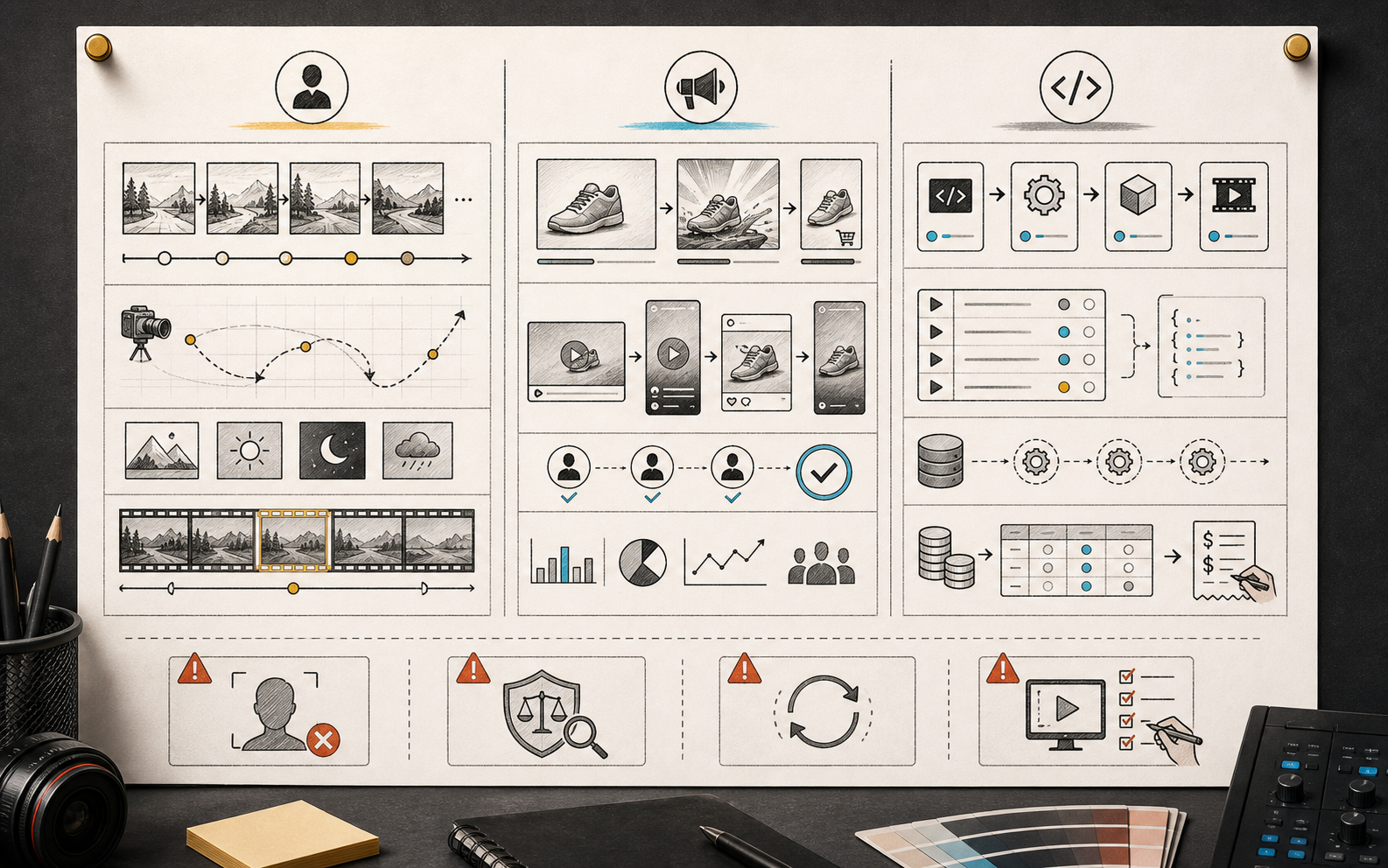
Expect problems with:
- Hands and fine body motion
- Product geometry
- Tiny logos or exact packaging
- Text inside video
- Multi-character continuity
- Complex object interaction
- Long cause-and-effect sequences
- Physics-heavy scenes
- Audio distortion
- Voice likeness restrictions
- Exact timing
- Complex edits after generation
ByteDance's own 2.0 launch post is candid that the model still has room for improvement in detail stability, hyper-realism, dynamic vitality, multi-subject consistency, text rendering accuracy, complex editing effects, and occasional audio distortion.
That honesty is useful.
It tells you where to put QA.
How To Prompt Seedance 2.0
A good Seedance 2.0 prompt should read more like a compact director's note than a vague mood sentence.
Include:
- Subject
- Action
- Scene
- Camera movement
- Shot size
- Lighting
- Visual style
- Duration
- Aspect ratio
- Audio direction if needed
- Reference roles
- What must stay consistent
- What to avoid
Weak prompt:
Make a cool product video.
Better prompt:
Create a 6-second vertical product teaser. Start with a close-up of the black running shoe on wet asphalt at night. The camera slowly pushes in from low angle, then arcs to reveal the side profile. Neon reflections move across the sole. Keep the shoe shape and logo-free design consistent. Add subtle rain sound and city ambience. No text overlays.
For reference workflows, be explicit:
- Use Image 1 for product shape.
- Use Image 2 for lighting and mood.
- Use Video 1 only for camera movement.
- Use Audio 1 for rhythm, not voice.
The model cannot read your mind. It can only respond to the brief you actually give it.
A Practical Seedance 2.0 Workflow
If I were using Seedance 2.0 for a real campaign, I would not start with a 15-second final clip.
I would use this workflow:
- Generate 4-to-6-second drafts at lower resolution.
- Test only one creative variable at a time: camera, subject motion, lighting, or audio.
- Pick the best direction.
- Rewrite the prompt as a tighter production brief.
- Add reference assets with clear roles.
- Generate a higher-resolution version with the full Seedance 2.0 model if needed.
- Review product accuracy, faces, hands, text, audio sync, policy risk, and compression.
- Store the approved MP4, prompt, input assets, model ID, and cost record.
This avoids the most common waste: paying for long high-resolution clips before the direction is settled.
Seedance 2.0 Alternatives
Seedance 2.0 is not the only AI video model worth testing.
Depending on your workflow, you may also compare it with:
- Kling for creator-facing cinematic video workflows
- Runway for established creative tooling and editing workflows
- Veo for Google ecosystem video generation
- Sora for OpenAI-native video workflows where available
- Seedance 2.5 for longer and newer Seedance workflows
Do not choose from launch demos.
Build a test set from your real jobs:
- One product ad
- One talking-head scene
- One image-to-video animation
- One scene with multiple people
- One fast camera move
- One reference-heavy brand clip
- One audio-driven clip
- One vertical social video
Score approved output rate, artifact rate, prompt adherence, motion quality, audio sync, cost, latency, and manual cleanup time.
That benchmark will tell you more than any leaderboard.
Is Seedance 2.0 Worth Using In 2026?
Yes, if your use case fits short AI video generation, multimodal references, and API-driven production.
Seedance 2.0 is especially worth testing if you need:
- Reference-based short video
- Audio-visual generation
- First-and-last-frame control
- Production task handling
- 1080p or 4K output through the full model
- A BytePlus or ByteDance ecosystem workflow
It is less ideal if you need:
- Long-form video in one generation
- Perfect text rendering
- Exact identity preservation without review
- Fully deterministic editing
- Guaranteed final commercial output with no post-production
The right mental model is not "AI replaces video production."
The better mental model is "AI changes where the first draft comes from."
Seedance 2.0 can make that first draft much faster. You still need direction, taste, rights clearance, review, and editing.
Final Verdict
Seedance 2.0 is ByteDance's multimodal AI video model for short audio-video generation, reference-based control, editing, and API-driven production workflows.
It matters because it is not limited to prompt-only video generation. It can work with text, images, videos, and audio references, then produce short MP4 clips with motion, camera logic, and sound.
As of August 25, 2026, Seedance 2.5 is newer and stronger for longer, more reference-heavy workflows where available. But Seedance 2.0 remains important because it has a concrete ModelArk-style API path, clear model tiers, and a practical 4-to-15-second production envelope.
Use Seedance 2.0 when you need controlled short-form AI video.
Use Mini or Fast for drafts.
Use the full model when resolution and production quality matter.
Use Seedance 2.5 only after checking live access for your account and workflow.
And whatever model you choose, judge it by approved clips, not pretty demos.
FAQ
What is Seedance 2.0?
Seedance 2.0 is ByteDance's AI video generation model for creating short audio-video clips from text, image, video, and audio inputs. It supports text-to-video, image-to-video, multimodal references, editing, and video extension.
Who created Seedance 2.0?
Seedance 2.0 was created by ByteDance's Seed team. International developers commonly encounter it through BytePlus ModelArk as Dreamina Seedance 2.0.
When was Seedance 2.0 launched?
ByteDance Seed's official blog lists Seedance 2.0's launch date as February 12, 2026.
Is Seedance 2.0 the newest Seedance model?
No. Seedance 2.5 was officially introduced on July 31, 2026. Seedance 2.0 is still relevant for documented 2.0 workflows and API usage, but users should check whether 2.5 is available in their product surface.
What can Seedance 2.0 generate?
It can generate short MP4 videos from text prompts, images, videos, audio references, and combinations of those inputs. It can also support editing and extension workflows in documented surfaces.
How long are Seedance 2.0 videos?
Current BytePlus-style documentation lists 4 to 15 seconds for Seedance 2.0 series models. Product surfaces may vary, so check the live docs before building around a fixed limit.
Does Seedance 2.0 support 4K?
The full Dreamina Seedance 2.0 model is listed with 480p, 720p, 1080p, and 4K support in current BytePlus enhanced video generation documentation. Fast and Mini are listed with 480p and 720p.
Does Seedance 2.0 generate audio?
Yes, Seedance 2.0 is designed around audio-video generation. ByteDance's launch post describes two-channel audio, sound effects, background music, voiceover, and audio-visual synchronization.
What is Seedance 2.0 Mini?
Seedance 2.0 Mini is a lower-cost 2.0 series model tier suited to drafts, high-volume testing, and 480p/720p workflows. It is not the same thing as the full Seedance 2.0 model.
Is Seedance 2.0 good for commercial ads?
It can be useful for ad drafts and some final assets, but commercial use needs review. Check product accuracy, likeness rights, watermark rules, policy restrictions, text, audio, and brand claims before publishing.
Sources Checked
Sources were checked on August 25, 2026:
- ByteDance Seed, Seedance 2.0 Official Launch: https://seed.bytedance.com/en/blog/seedance-2-0-official-launch
- ByteDance Seed, One-take Creation, Flexible Referencing: Introducing Seedance 2.5: https://seed.bytedance.com/en/blog/one-take-creation-flexible-referencing-introducing-seedance-2-5
- BytePlus ModelArk video generation API documentation: https://docs.byteplus.com/en/docs/modelark/1520757
- BytePlus ModelArk pricing documentation: https://docs.byteplus.com/en/docs/ModelArk/1544106
- BytePlus resource packs for Dreamina Seedance 2.0 and 2.5 models: https://docs.byteplus.com/api/docs/ModelArk/2191775
- BytePlus Seedance enhanced video generation documentation: https://docs.byteplus.com/en/docs/byteplus_las/video_gen_enhanced